Riduci Qualità Immagine in KB
Limita la dimensione del file in KB con controllo preciso del livello di compressione.
Tap to choose or drop an imageDrop an image here, click to browse, or paste (Ctrl+V)
JPG, PNG, WebP, GIF up to 25 MB & 40 MP. Processes 100% in your browser.
Note: Animated GIFs will be processed using the first frame only.
Degradation Controls
Client WorkerAdvanced Retro Effects (Scanlines, Aberration, RGB)▼
Come si raggiunge una dimensione KB specifica?
Basta impostare il peso massimo desiderato in KB: la ricerca binaria troverà la percentuale di compressione esatta.
How to Make a Low Quality Image in 3 Steps
Everything runs inside your browser sandbox with hardware-accelerated Canvas workers.
- 01No Upload To Server
Drop or Paste Image
Drag and drop any picture, click to browse from your device, or press Ctrl+V to paste directly from your clipboard.
- 02Real-Time Split Preview
Tune Degradation Sliders
Pick a viral 1-click preset or customize JPEG crush, pixelation, noise, chromatic aberration, scanlines, and passes.
- 03Instant Export
Download or Copy
Export clean JPEG, PNG, or WebP files with zero watermarks, copy directly to your clipboard, or batch-download as a ZIP.
Degradation Controls Cheat-Sheet
Master every slider to craft the exact visual distortion needed for your meme, project, or file size target.
← Swipe table horizontally →Before & After Degradation Showcase
Compare clean source photos with authentic algorithmic degradation. Click “Open in Tool” to load any source photo and its exact settings directly into the live workspace.
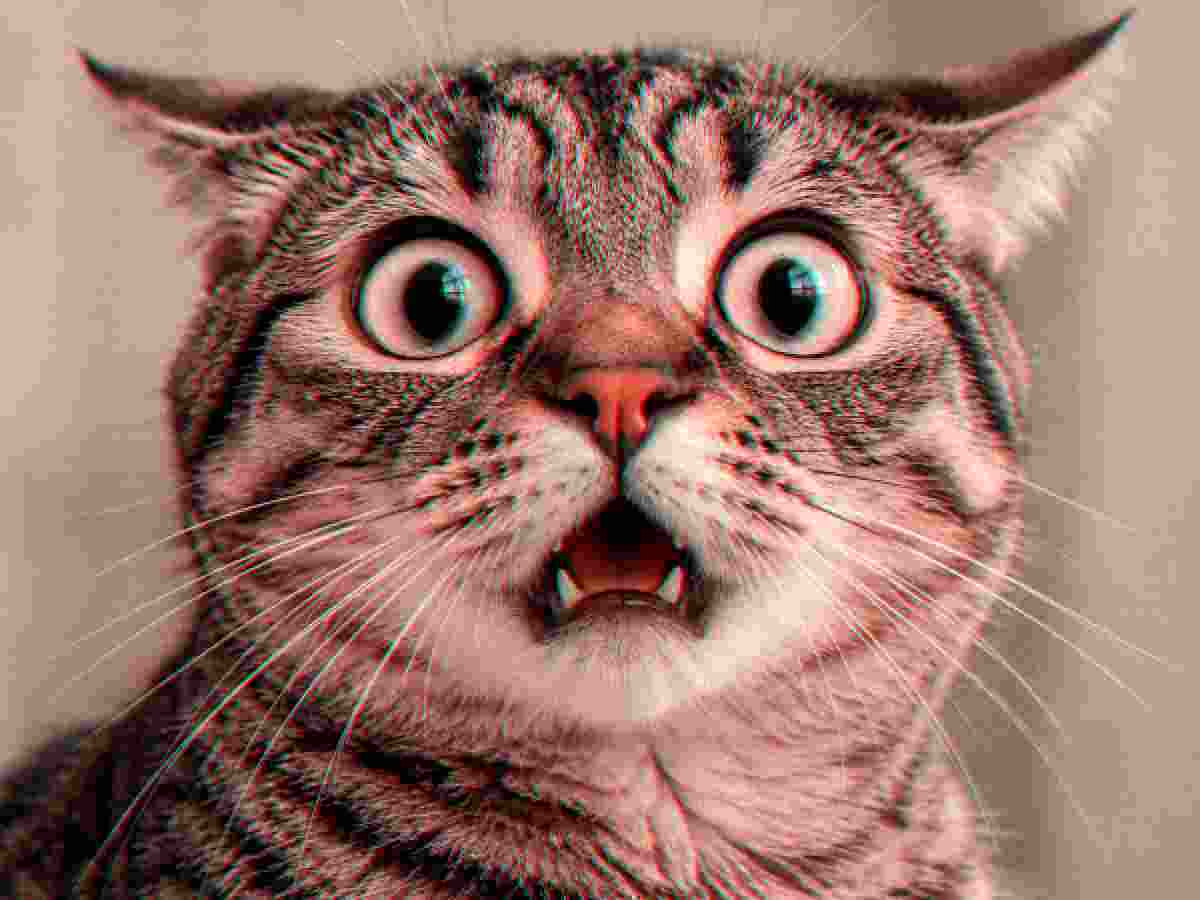
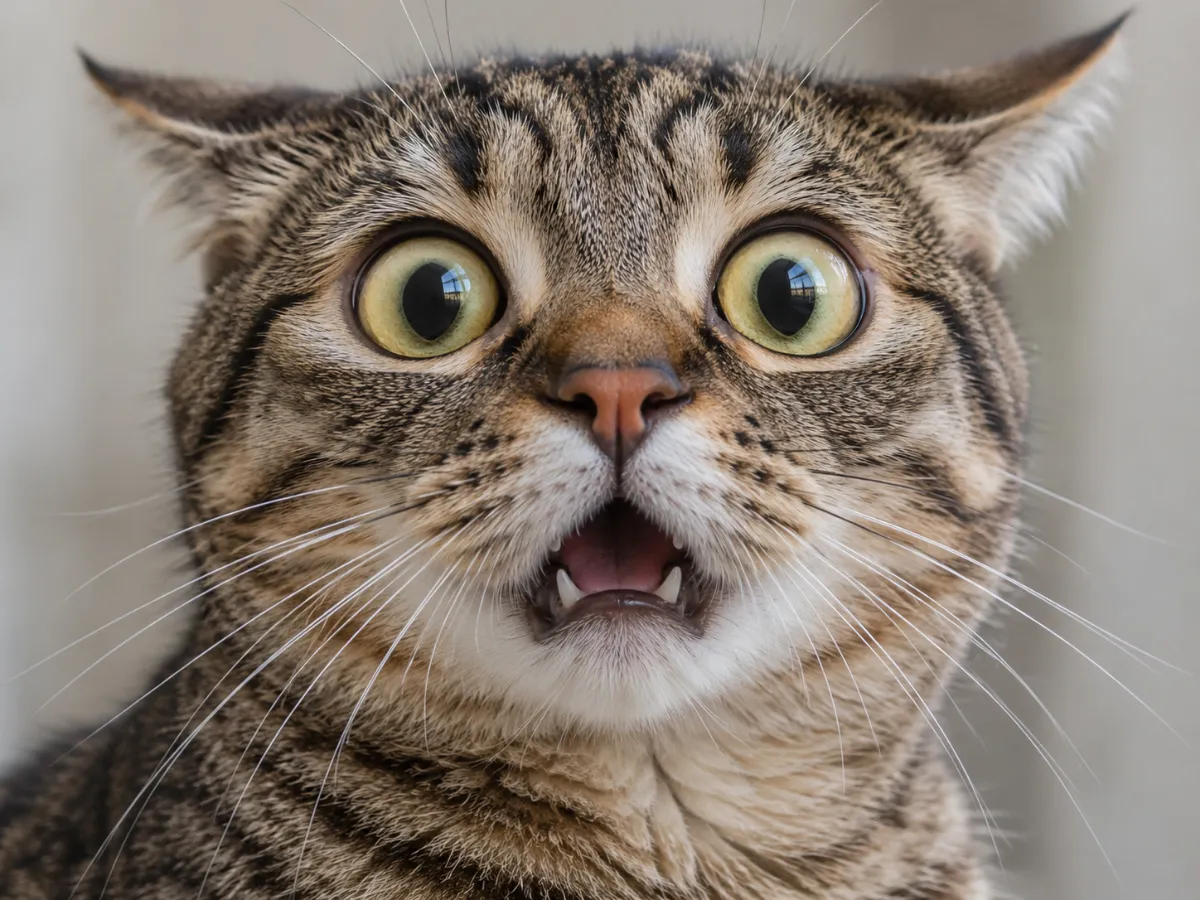 OriginalDegraded
Meme Crunch
MemeQuality 8% • 8 Passes • Pixelate 2x • Deep Fry 15%
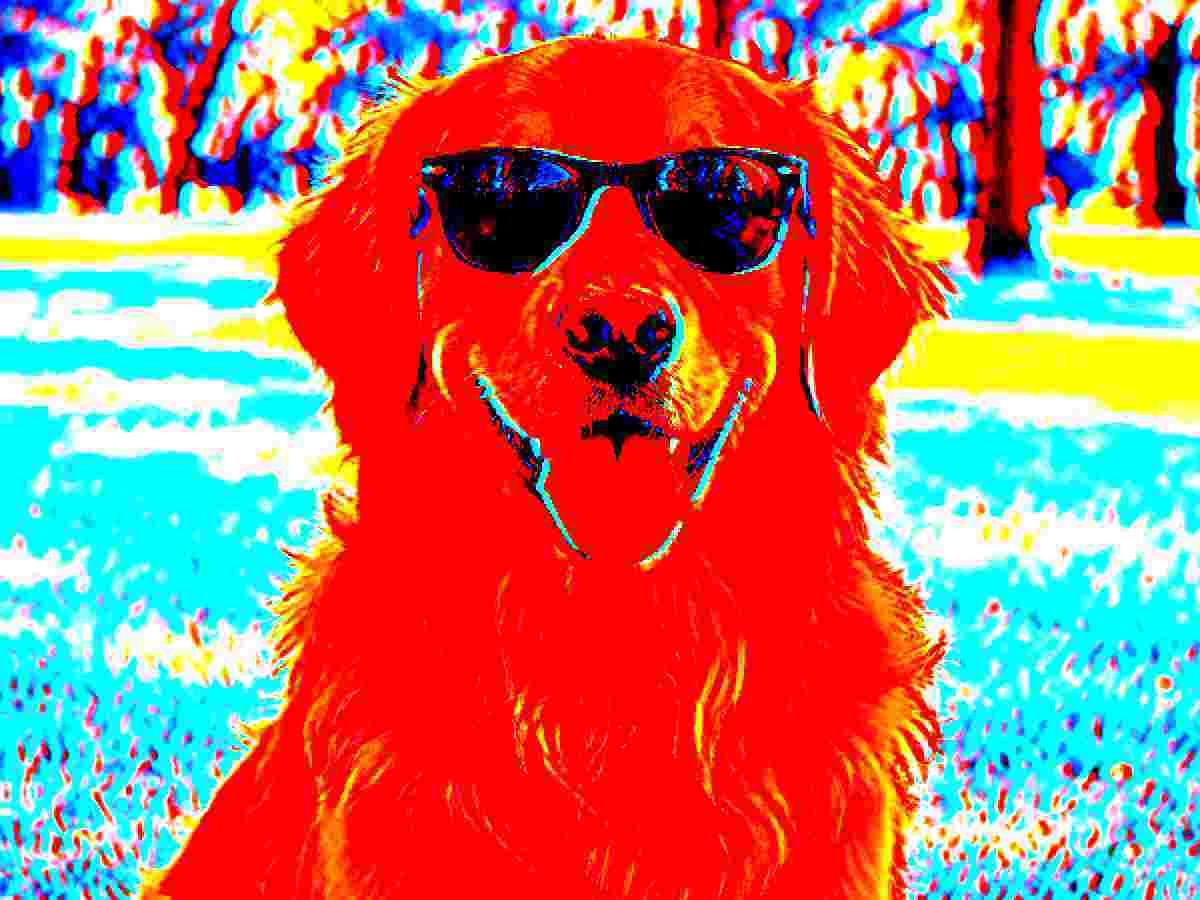
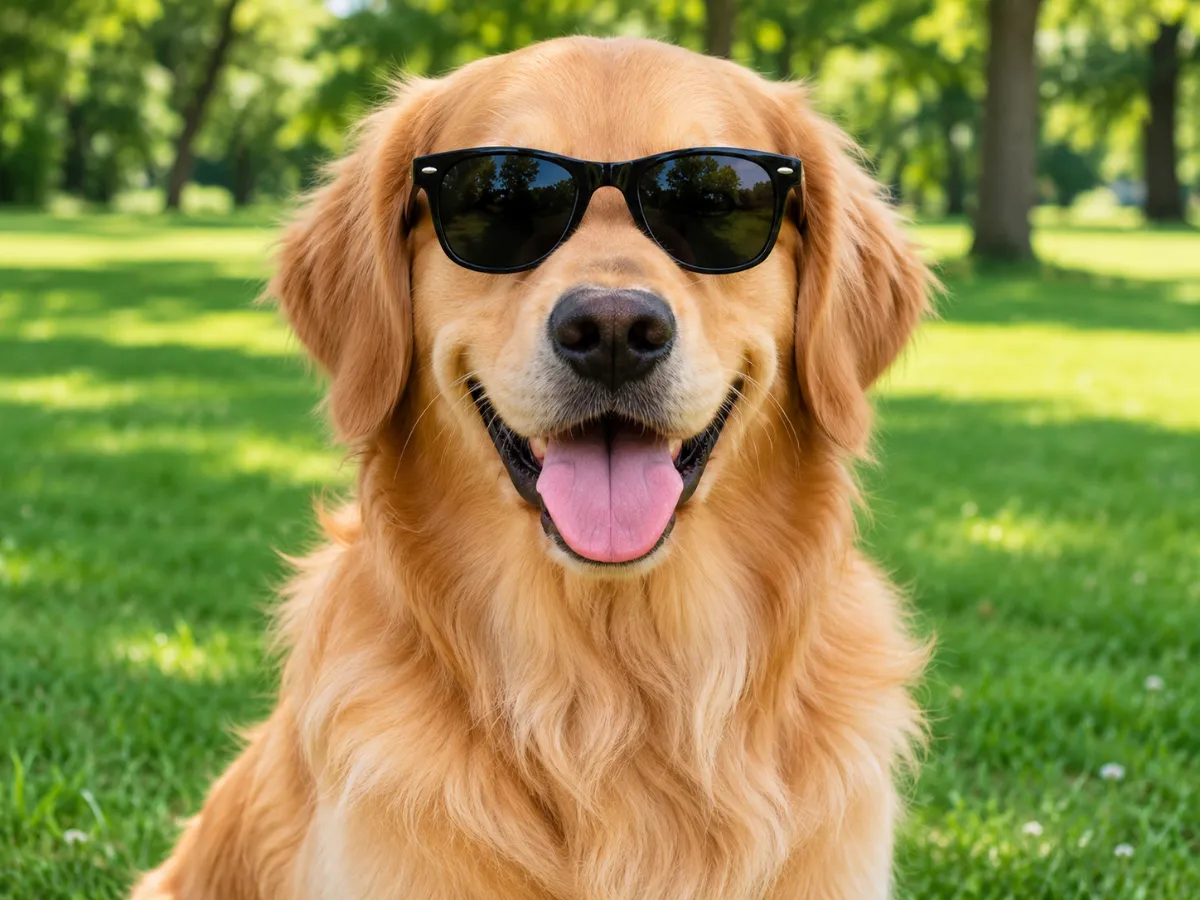 OriginalDegraded
Deep Fried
Deep FryQuality 10% • 3 Passes • Pixelate 2x • Deep Fry 85%
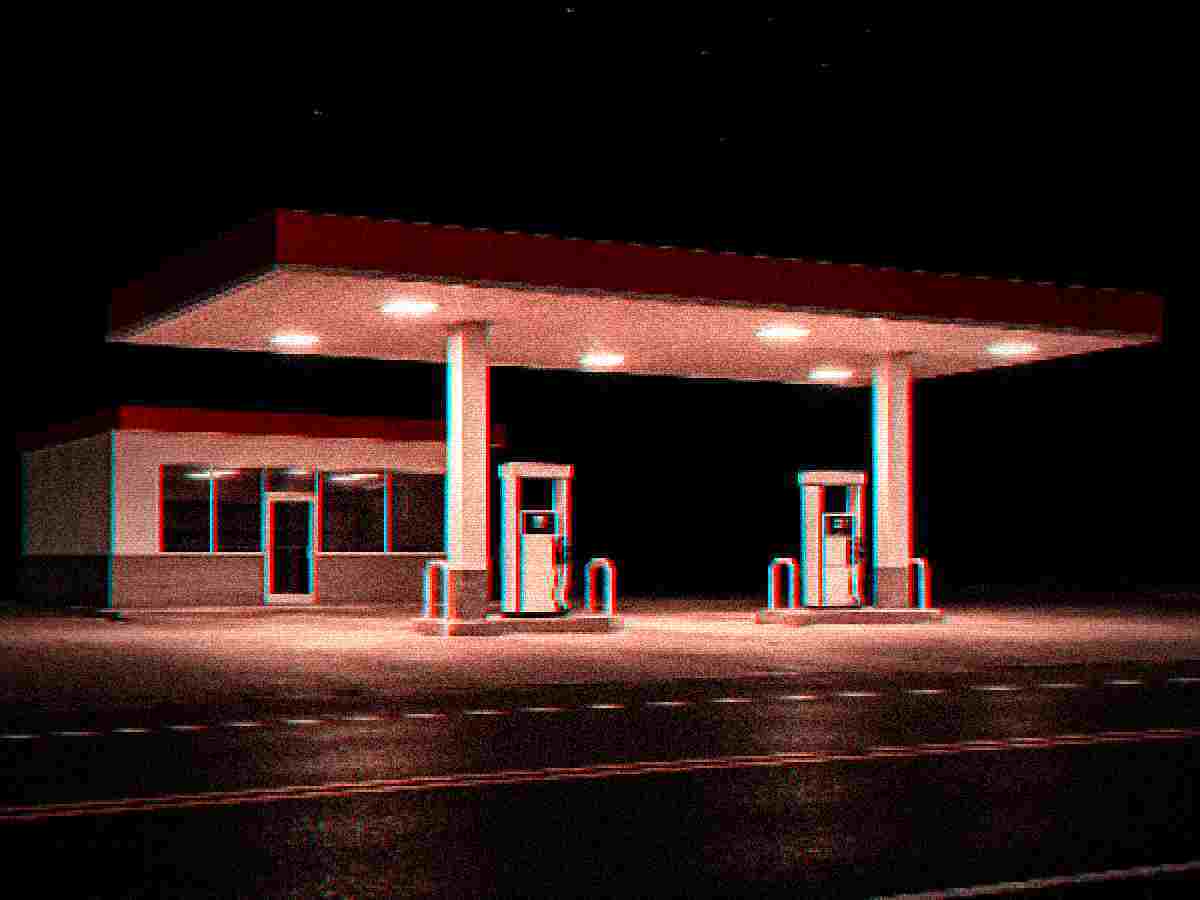
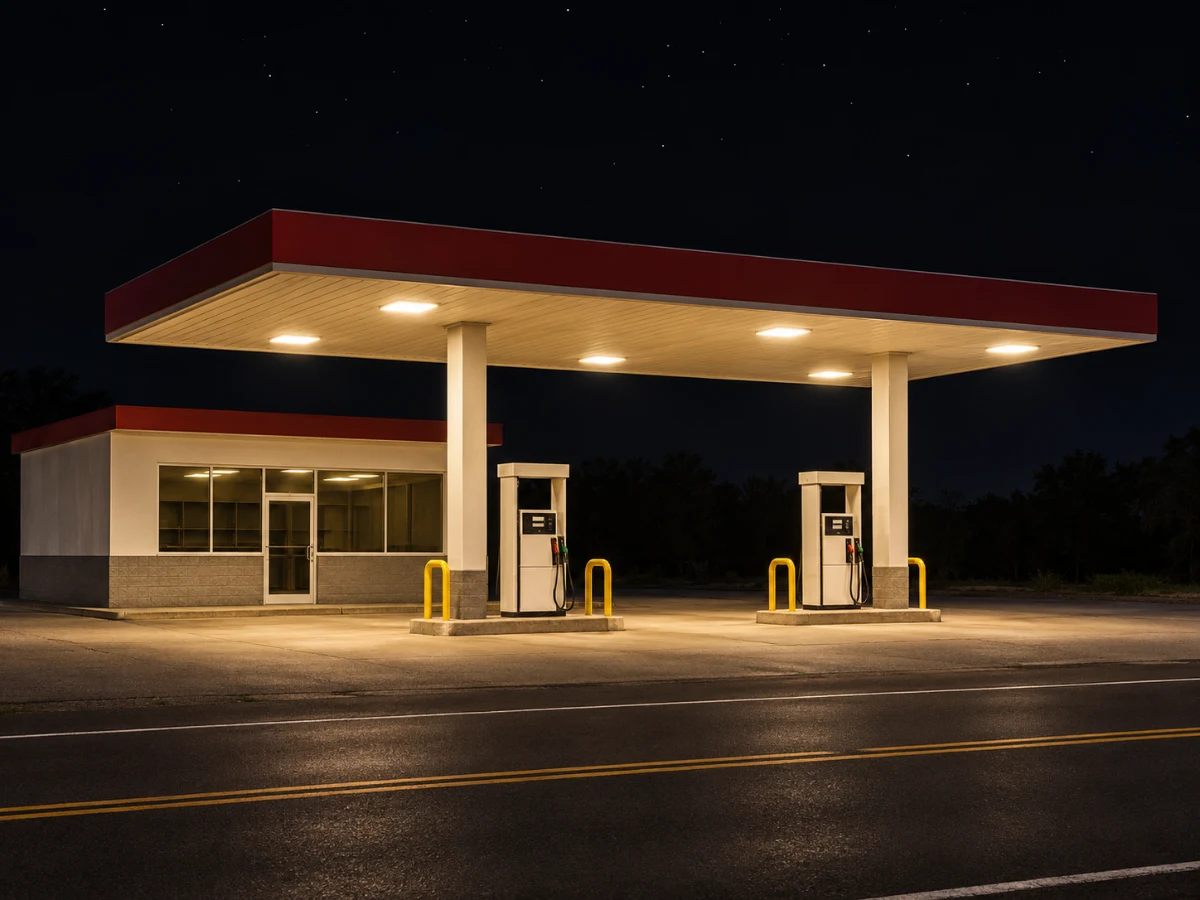 OriginalDegraded
Night Grain
Lo-FiQuality 14% • 2 Passes • Pixelate 3x • Deep Fry 20%
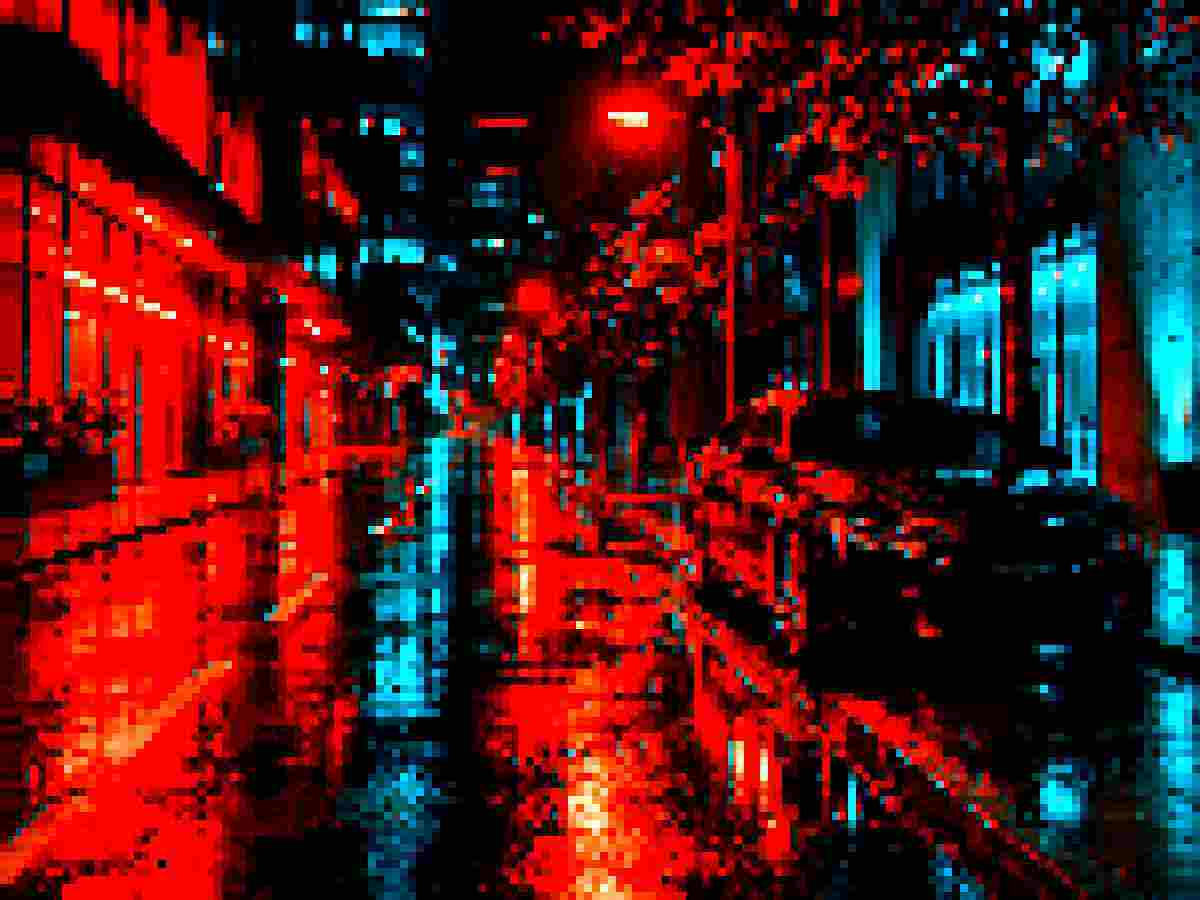
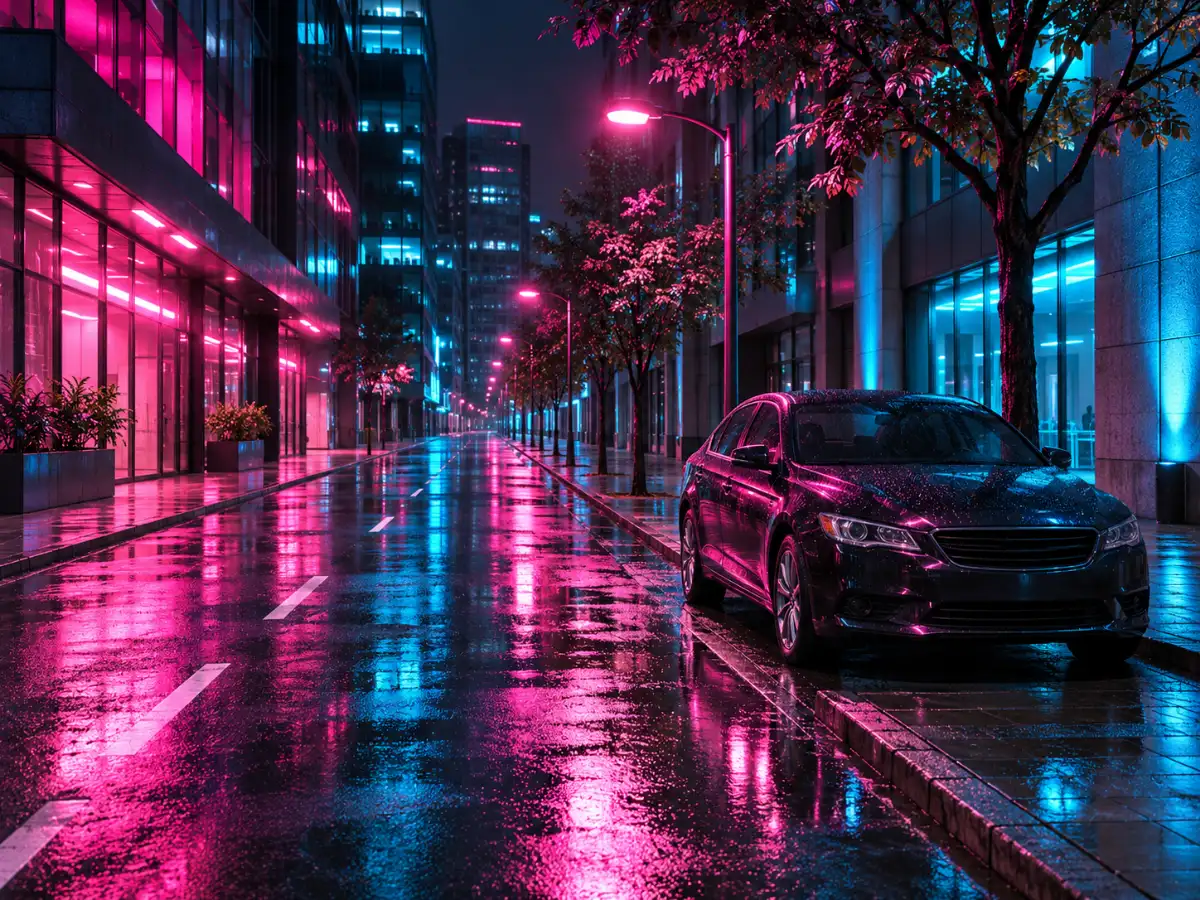 OriginalDegraded
Pixel Blocks
PixelateQuality 12% • 3 Passes • Pixelate 8x • Deep Fry 25%
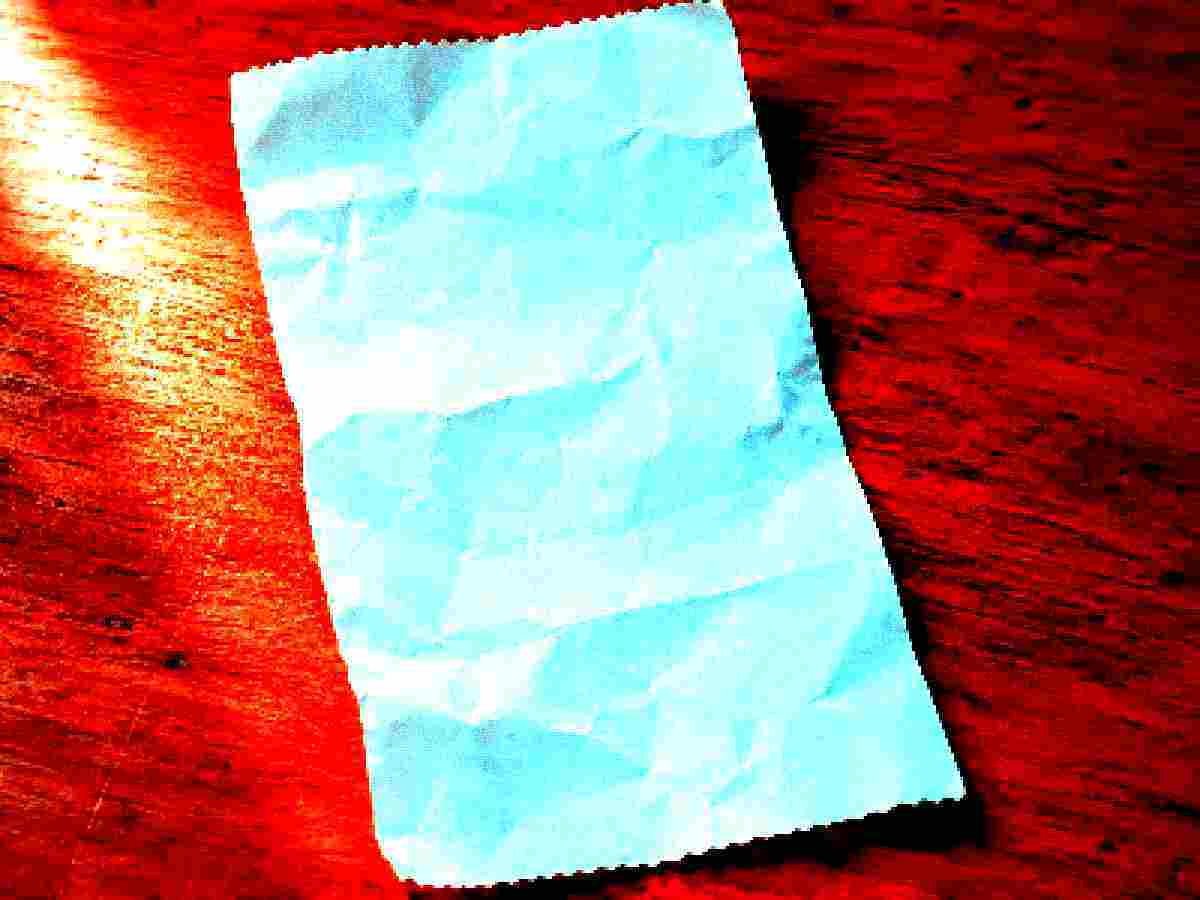
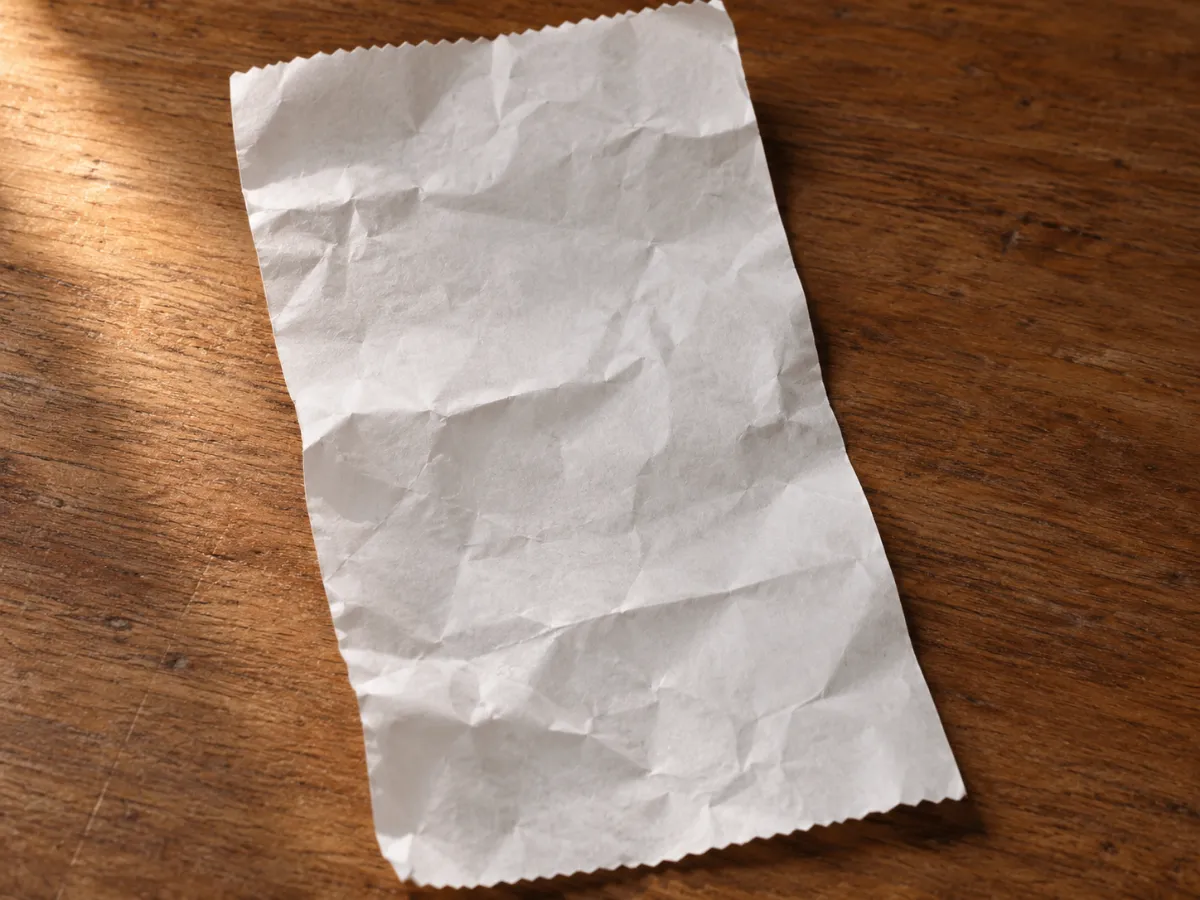 OriginalDegraded
Old Scan
DocumentQuality 12% • 2 Passes • Pixelate 3x • Deep Fry 75%
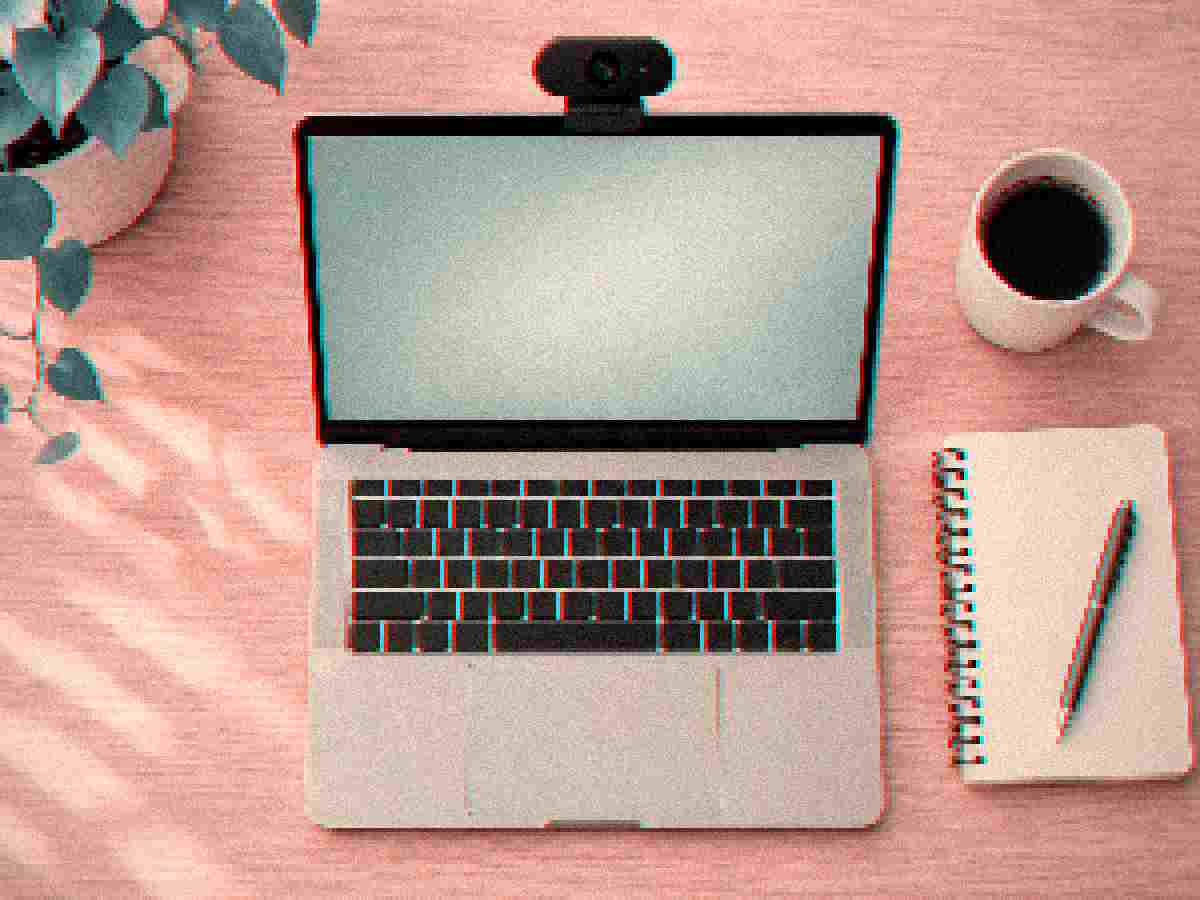
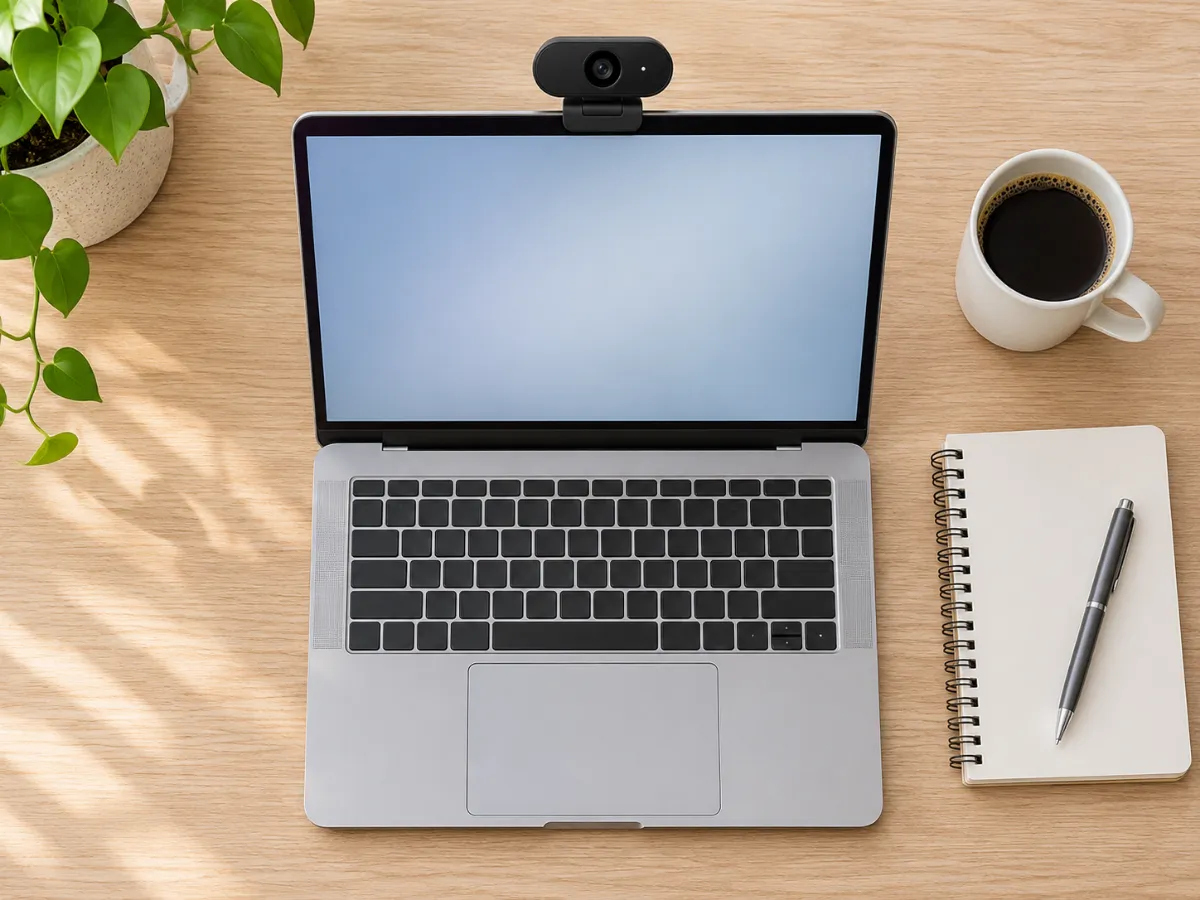 OriginalDegraded
Webcam Soft
VintageQuality 14% • 2 Passes • Pixelate 4x • Deep Fry 10%
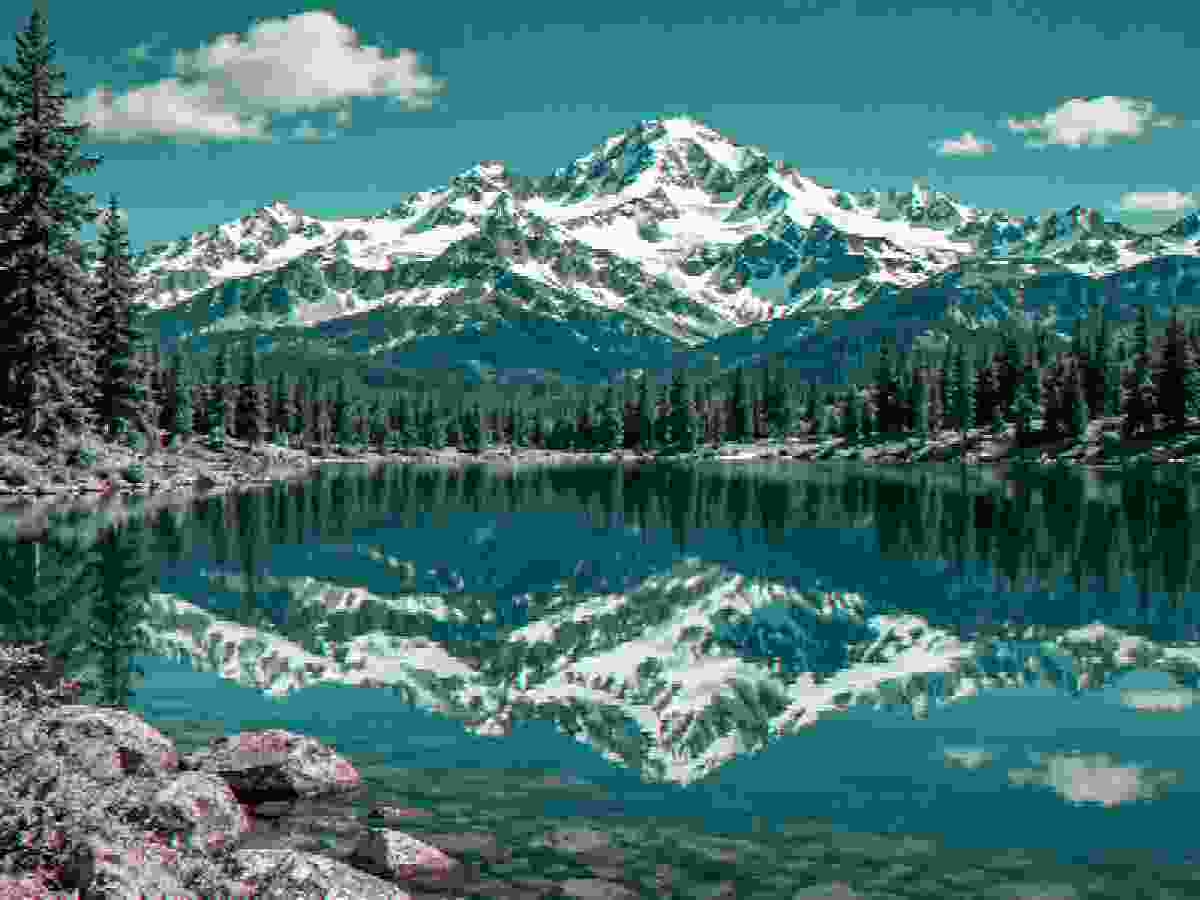
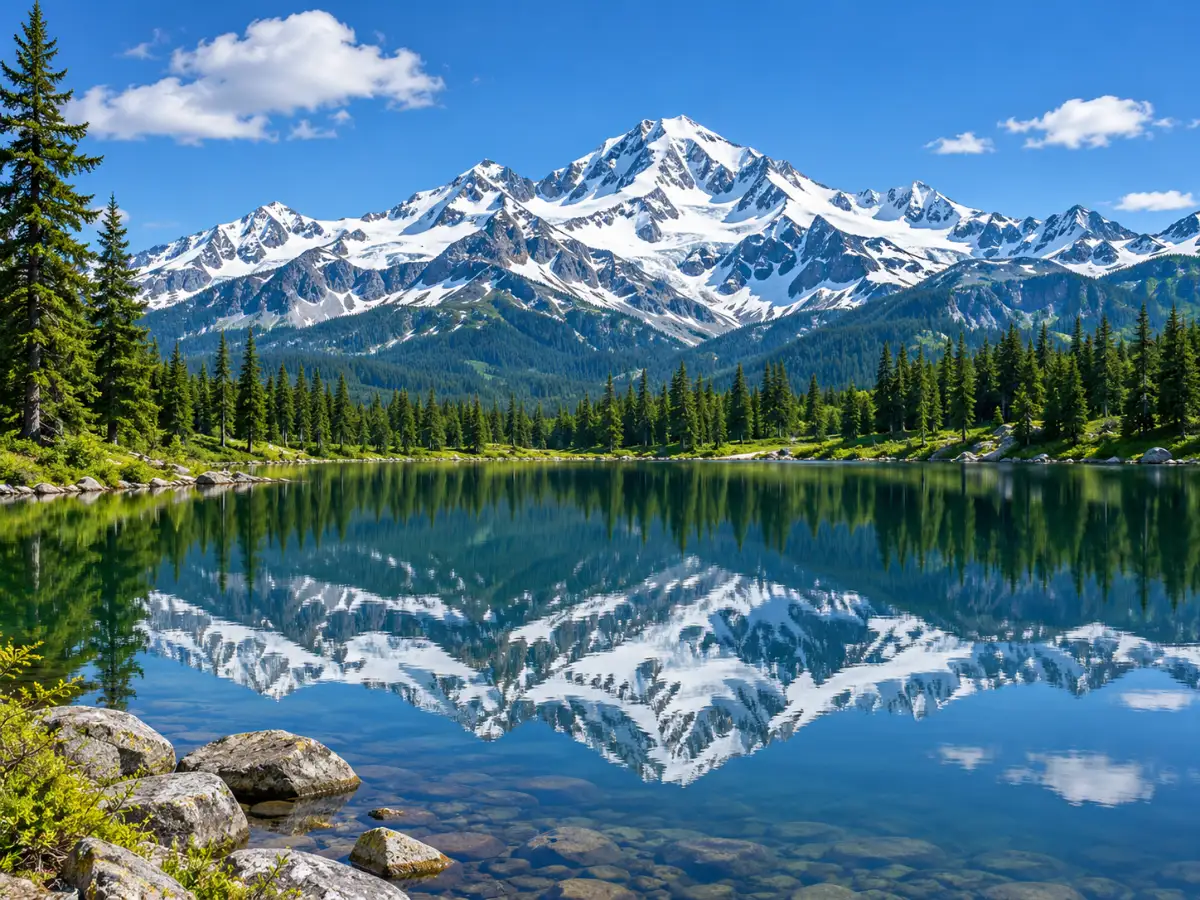 OriginalDegraded
Tiny KB
Ultra LowQuality 5% • 6 Passes • Pixelate 3x • Deep Fry 5%

 OriginalDegraded
Retro Pixel
Retro 8-BitQuality 15% • Pixelate 12x • Deep Fry 30% • Noise 10%
Example photos are AI-generated.
How to Reduce Image Quality Online Free
Learning how to make image low quality is essential for many digital tasks. You might need to reduce picture weight to satisfy strict upload caps on job portals. Other times, you need to lower picture quality to attach files to email messages.
Our browser utility makes it effortless to make image lower quality without losing control over dimensions. All processing occurs locally, so your sensitive files never travel over public servers. You can preview changes before downloading the compressed output.
Why Users Choose to Make Images Low Quality
Many government websites, visa portals, and academic forms demand a lower quality image. When upload thresholds cap files at 50 KB or 100 KB, standard photos get rejected. To make an image low quality, select our target kilobyte mode and enter your limit.
Software engineers also need to make image look low quality during testing. Stress testing bandwidth throttles requires deliberate quality decrease scenarios. In our tool, you can lower photo quality or make picture low quality with a single slider.
If you need to make image quality worse for artistic projects, you can lower quality of image files freely. Our controls let you lower quality of photo assets or lower quality of picture uploads instantly.
Precise Controls to Make Picture Low Quality
Our control panel lets you adjust compression without guess work. If you want how to make an image low quality quickly, drop your file and reduce the JPEG slider. This will make pic low quality while retaining overall canvas proportion.
Users curious how to make images low quality in bulk can use our batch tool. You can process up to ten files at once to make images lower quality together. You can also make a pic low quality or make a image low quality in seconds.
To lower the quality further, lower res dimensions or enable multi-pass quantization. Making image quality worse helps benchmark compression algorithms. Our platform gives you full control over image quality lower settings and image lower quality presets.
Explore Sister Tools for Creative Degradation
Whenever you need to keep quality lower for utility or art, our engine delivers. You can reduce file size with complete confidence in our client-side sandbox. For general compression, try our main low quality image maker.
You can also design viral humor with low quality memes or convert graphics into an eight-bit low resolution image.
Why People Intentionally Degrade Images
From viral humor to strict document compliance, low quality imagery serves a distinct creative and technical purpose.
Memes & Viral Humor
Clean 4K images feel sterile in internet meme culture. Deep-frying, JPEG crushing, and pixelating punchlines signals genuine viral humor and community resonance.
Retro & Lo-Fi Aesthetics
Recreate the nostalgic feeling of early 2000s webcams, flip phone snapshots, VHS tracking fuzz, and 8-bit handheld console graphics for music covers and artistic design.
Network & Compression Stress-Testing
Software developers and QA engineers use degraded images to test how responsive web apps, caching pipelines, and machine learning models handle corrupted or low-bandwidth assets.
Bypassing Strict File Size Caps
University application portals, visa forms, and legacy government websites often strictly enforce under 50 KB or 100 KB file limits. Lower quality to hit the exact ceiling.
Frequently Asked Questions
Everything you need to know about browser-based image degradation, file sizes, and privacy.
Il file originale viene modificato?
Explore Related Degradation Tools
low quality image maker
Return to the main degradation lab for custom JPEG artifacts, noise, blur, and batch conversion.
low resolution image
Downsample pixel grids to save bandwidth and create retro game assets.
low quality memes
Compress pictures with authentic chat forwarded artifacts for viral humor.